

Out of Time : Patch 2.0.5: Goodbye Quick Play, Hello Squad Finder!
Patch 2.0.5: Goodbye Quick Play, Hello Squad Finder!
Patch 2.0.5: Saying Goodbye to Quick Play, Hello to Squad Finder
Hey everyone!
We’re back with Patch 2.0.5, and this one is focused heavily on improving how you find people to play with.
Let’s be real for a second: Quick Play wasn’t working the way we wanted it to. We’ve read your feedback, and we know that matching was often frustrating, inconsistent, or just took too long to find a quality group.
So, we tore it down and built something better.
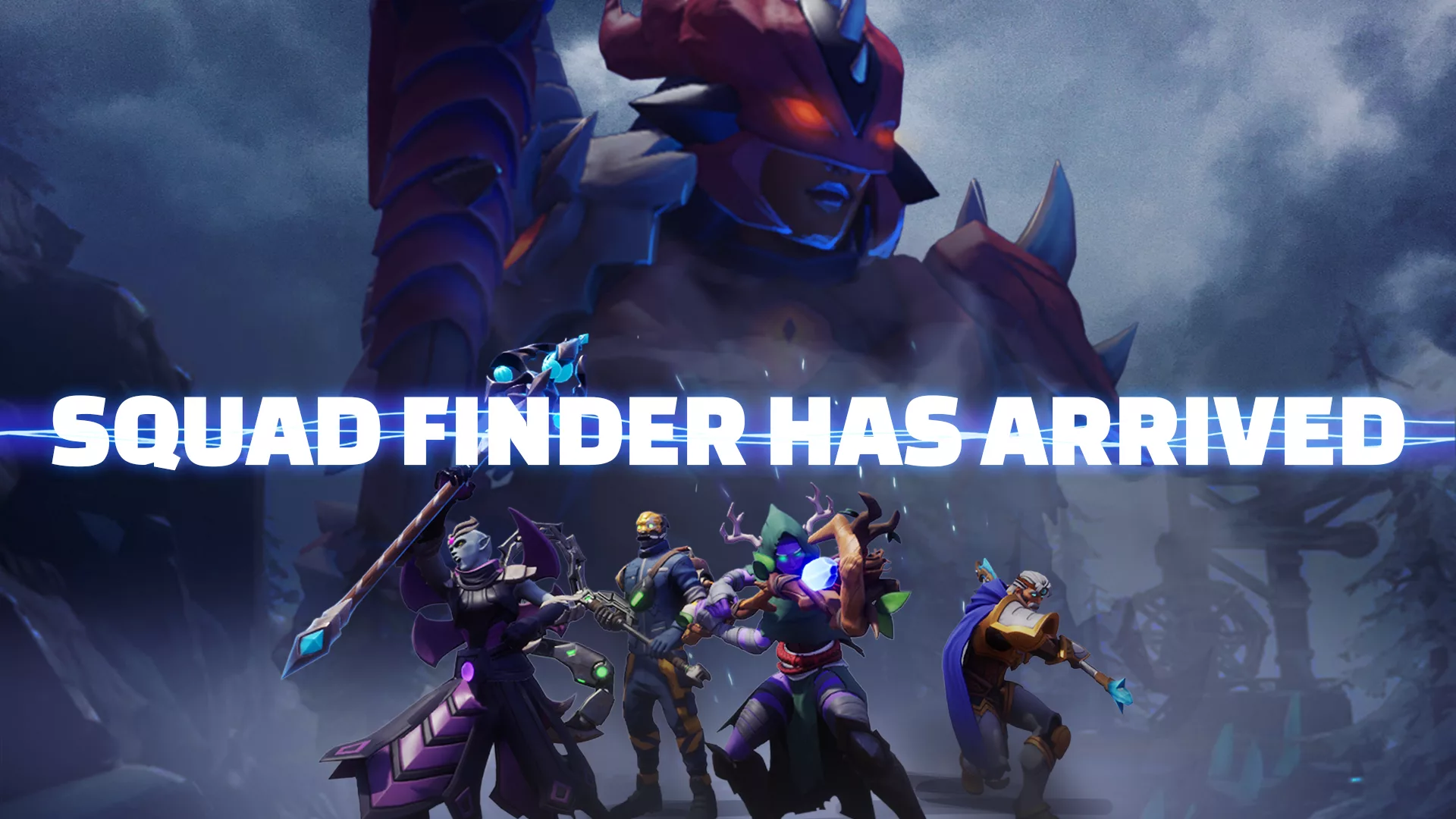
Introducing: Squad Finder
Squad Finder replaces Quick Play entirely. The goal here is « intentionality. » Instead of just hitting a button and hoping for the best, you now queue by difficulty .
How it works:
• Quick Play and Public Queue have been fully removed and replaced by Squad Finder
• Squad Finder:Players now queue by difficulty instead of locationSquads now form in Town before a run startsOnce formed, squads can choose when and where to deploy together
• Added a difficulty selector to the top of the World Map
• You can now see which zones and difficulties your squad mates have unlocked
A Note on Wait Times & Group Sizes
We want to get you into the game as fast as possible, but we also don’t want you sitting in a queue forever. Here is how the new logic handles wait times:
GROUP SIZE WAIT TIMES
• 4-Player Squad: As soon as 4 players are found, the squad forms instantly.
• 3-Player Squad: If at least 1 new member joins, the squad forms after 3 minutes.
• 2-Player Squad: If at least 1 new member joins, the squad forms after 5 minutes.
• Fallback: If absolutely no new members match your queue after 15 minutes, you’ll be removed from the queue to try again or adjust your settings.
[c]We’ll be monitoring the queue and wait times closely, and will make adjustments as needed. In a future update, we’ll also provide better visibility on the status of matchmaking. [/c]
Don’t forget: In our last update, we equalized loot options. Whether you are solo, duo, trio, or a full squad of four, everyone gets access to 4 loot choices . So, if Squad Finder matches you as a trio, you aren’t missing out on rewards!
Steam Deck Improvements
We know a lot of you enjoy playing on the go, so the Steam Deck has received some improvements.
• Virtual Keyboard: The keyboard will now properly pop up when text fields are focused.
• Bluetooth Controllers: You can now properly swap between using the Steam Deck controls and a Bluetooth controller.
• Readability: We’ve bumped up the text size to make things much more legible on the smaller screen.
Quality of Life & HUD Updates
Finally, we added a few highly requested features to make the gameplay experience smoother:
• FOV Slider: It’s finally here! You can now adjust your Field of View in the Video Settings menu.
• Gold Coin Counter: We added a counter to the HUD during runs. This tracks exactly how many coins you’ve picked up in the current run (separate from your total wallet).
• Chat: Player names are now highlighted in chat to clearly indicate they’re interactable.
• Chat Fixes: Fixed that annoying bug where chat became unusable after closing full-screen UIs.
• Squad Invites: Button placement for Accepting/Rejecting invites has been moved to feel more intuitive.
If you need a refresher on the new matchmaking system, go talk to Jeanne in town . She has a new tutorial ready for you.
As always, thank you for the honest feedback regarding Quick Play. We hope Squad Finder makes grouping up much smoother. Let us know how it feels!
See you in the run.